
 English
- Home
-
Deutsch

- TDK Product Center


Developing Technologies
March 2026
 "Keyboard to Win"
Technological Evolution of Gaming Keyboards & Next‑Generation Personalization
The evolution of gaming keyboards is moving from pure speed to a “human‑centric” input experience. Backed by TDK’s proprietary technology, Clixir is a next‑generation gaming‑keyboard brand that pursues per‑athlete personalization of feel and performance.
ON THIS PAGE

Evolution of Keyboard Technology
Early gaming keyboards were dominated by membrane designs, but the adoption of mechanical switches dramatically improved response speed and durability. The later introduction of optical switches eliminated contact‑delay, while N‑Key Rollover and anti‑ghosting enabled accurate simultaneous key presses. More recently, magnetic‑actuated rapid‑trigger switches allow actuation points to be tuned in sub‑0.1 mm increments, meeting the ultra‑precise demands of professional e‑Sports. These advances have transformed gaming keyboards from simple input devices into decisive competitive tools.
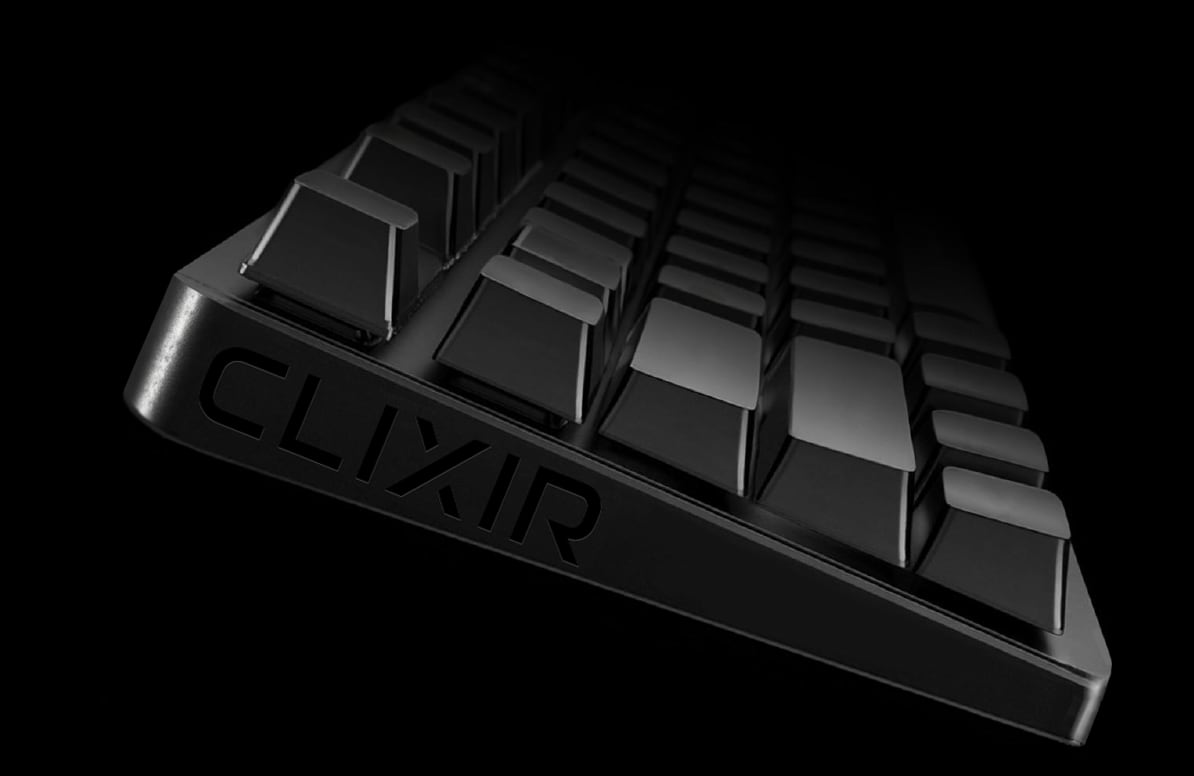
Clixir’s Philosophy
We believe the next frontier of keyboards is personalization. Tailoring feel to each athlete’s hand size, actuation force, and play style is the key to unlocking higher game performance and richer user experiences. Yet most gamers today are stuck with one‑size‑fits‑all devices. Clixir aims to end the era where users must adapt to the hardware and usher in an era where the hardware adapts to the user. We constantly ask what true usability means, striving for a human‑interface that feels like an extension of the body. It isn’t just specs on a sheet—it’s a device that matches the user’s own sensations. That is the gaming keyboard Clixir envisions.
Clixir’s Activities
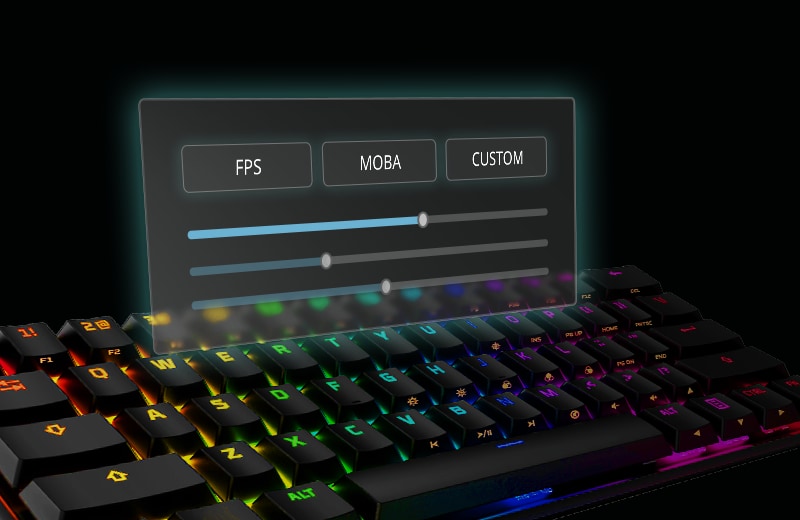
Clixir is developing a next‑generation, fully‑personalizable gaming keyboard to solve the diverse challenges faced by e‑Sports athletes and other power users. Over 200 users were interviewed during R&D, providing real‑world pain points and needs. Those insights shaped product concepts, tactile requirements, and several prototype iterations. Feedback from pro gamers and competitive athletes refined actuation ranges and UI controls, ensuring the device truly feels “made for me.” By centering the development process on end‑user voices, Clixir delivers keyboards that are not just “good for someone” but optimally suited for you.
FAQ
Q. What is Clixir?
A. Clixir is a gaming‑keyboard brand spun out of TDK. It develops next‑generation, fully‑personalizable keyboards that let each athlete fine‑tune feel and performance.
Q. Who is the target audience?
A. The primary audience is pro‑gamers and high‑skill athletes in competitive titles such as FPS, MOBA, and RTS, while any PC gamer seeking a superior input experience is also welcome.
Q. What are Clixir’s key features?
A. Per‑key actuation and response thresholds can be tuned, allowing a fully personalized feel that matches each athlete’s style. The brand also leverages TDK’s high‑precision sensing and rugged durability.
Q. Can it be used for everyday tasks (work, study)?
A. Yes. Switching profiles lets you toggle between a gaming setup and a quiet, office‑oriented configuration. Silent switches and controllable lighting are built‑in for everyday comfort.
Q. When will the product be available?
A.The mass‑market launch date is still TBD. Updates on development progress and release timing will be announced via the official website and email newsletters.
Q. Is this feature exclusive to Clixir keyboards?
A. No, it isn't. We plan to offer Clixir modules to other keyboard manufacturers, making this feature available to a wider range of users.
Differences Between Gaming Keyboards & Office‑Oriented Keyboards
Gaming keyboards are engineered for high‑speed response, N‑Key Rollover, customizability, and durability. Office‑oriented keyboards prioritize quiet operation, cost efficiency, and general‑purpose versatility. The key differences are listed below.
1. Switch type (Mechanical vs Membrane)
Gaming – Mechanical switches (e.g., red, brown) or ultra‑fast optical switches; high actuation speed and durability.
Office – Predominantly membrane or scissor‑type switches; optimized for quiet operation, slim profile and low cost.
2. Actuation depth & polling rate
Gaming - Many models allow a shallow actuation setting, and devices that support high polling rates are common, resulting in very low latency from input to on‑screen response.
Office - 125 Hz‑200 Hz polling is sufficient; emphasis is on comfort and quietness rather than ultra‑low latency.
3. N‑Key Rollover / Anti‑ghosting
Gaming – Full‑key rollover and anti‑ghosting ensure reliable multi‑key combos and rapid fire.
Office – Limited simultaneous‑key detection; not designed for complex gaming inputs.
4. Durability, Materials & Extra Features
Gaming – Switches rated for tens of millions of keystrokes, metal backplates, detachable palm rests, dedicated media keys, RGB lighting, macro support, etc.; built for marathon sessions.
Office – Designed for comfortable long‑typing but without the extreme endurance or extra gaming‑oriented features.
Impact on office / daily work
• Mechanical switches can be noisy; quiet‑switch or silent models are advisable in shared spaces.
• Durability and tactile feel enhance long‑typing comfort, while subdued lighting and minimalist aesthetics are preferred in a professional setting.
• Macro and custom shortcut support can boost productivity in office software and everyday tasks.
For Inquiries, Please Contact us Here.
Contact us
